One of my favourite websites I have used in my classroom is Mathletics. In an early years classroom it can be hard to create excitement about math, in my last placement I got to see the beginning stages of using Mathletics. Let’s be honest as soon as a laptop cart or iPads are mentioned in the classroom, students are already excited. Incorporating technology in math isn’t always easy but Mathletics makes it easy and fun!
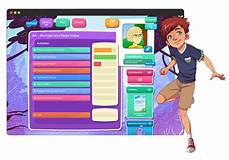
Mathletics is a website where each student gets their own profile and then the teacher can assign each student different assignments. This is one of my favourite parts. Students get individualized assignments and are so busy doing their assignments they are not worried about what the person beside them are doing. Therefore, students wont notice that they are at different levels but will just focus on getting their assignments done. Once the students are done the assignment the teacher assigned, they can move onto the live mode. This allows the students to compete with other students in the class in a mental math show down. Not only can they compete with other students in the class, but they can also compete with other people across the world, this is completely safe as there are no pictures of the students online and they are only under their first names and you could do code names if you were concerned with the safety of your students. Overall this app us just a fun interactive way to get students excited about math!

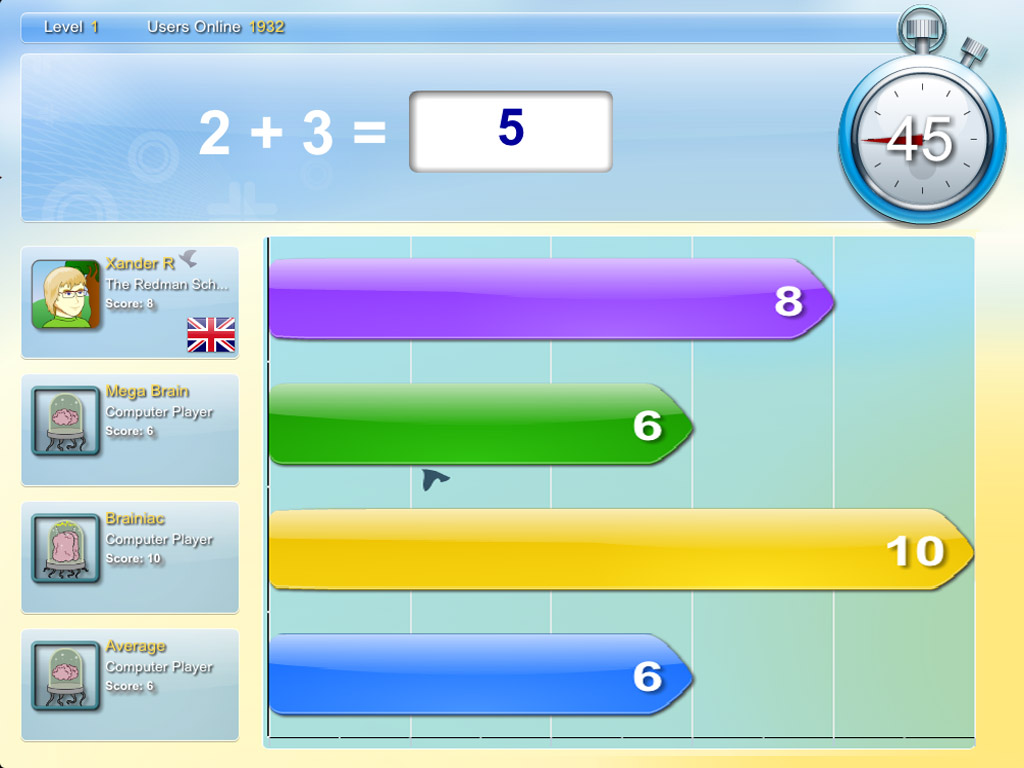
Since I mentioned my favourite part, I should mention the student’s favourite part. Students get to customize their own avatar who represents them in the world of Mathletics. One thing I noticed when I saw this in my placement is that students would get easily distracted by their avatar during class time. My cooperating teacher and I came up with the idea that students were to edit their avatar at home and do the activities at school and our students knew the expectations that we had when they were using Mathletics and knew the consequences for not following those expectations.
Unfortunately, there is a cost that comes with the use of this website so I couldn’t get logged into my free trial anymore, but I have attached some screenshots that I found on google and a link to the website. If you haven’t tried it, I encourage you to try it out and see what you think!

 Emily's Tech Talk
Awesome overview of Mathletics! I have not taught in an early year’s classroom yet, but I will be next placement. This might be a great tool I can incorporate into my math class! I really like the idea of being able to individually assign the work based on their level. Thanks for the great tips and tricks with using it!
LikeLike